MocMakes Laser Studio · public beta
Describe a design or drop a picture. Laser Studio draws it, traces it into clean cut lines, checks every cut rule and hands you SVG, DXF and PDF files in millimetres.
3 free designs a day after a quick sign-up. No card.
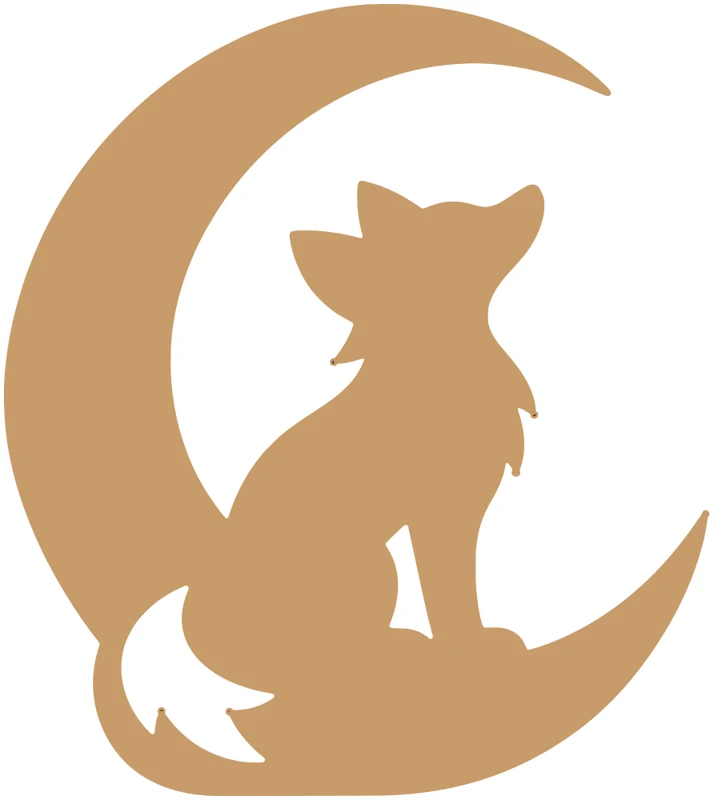
Six designs made with the tool on our own test account, shown as the previews it gave back. Each passed the cut rules; the night light came with two notes to read (a light hole near the frame, and a darker sky).
Flat cut · 180 × 202 mm · ready to cut
“a fox sitting under a crescent moon”
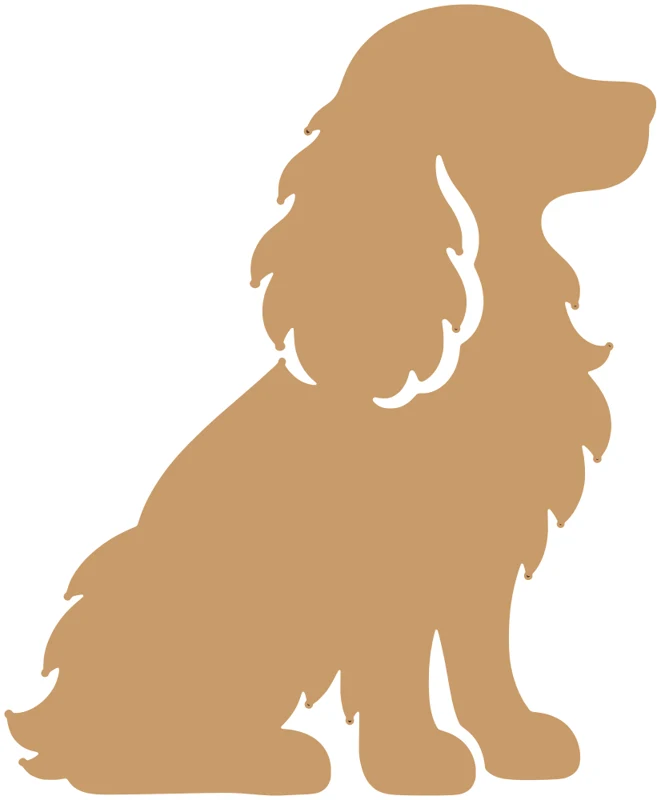
Flat cut · 150 × 182 mm · ready to cut
“a sitting spaniel silhouette with long ears”
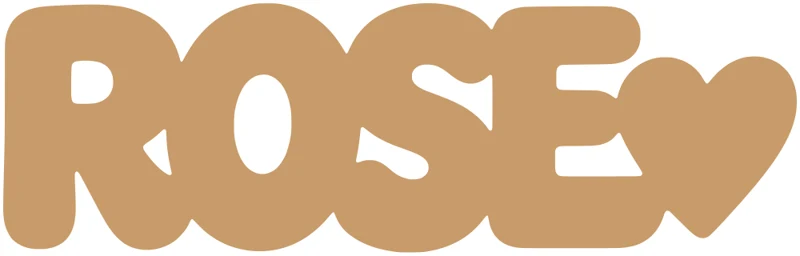
Flat cut · 252 × 80 mm · ready to cut
“a name sign that says ROSE with a small heart”
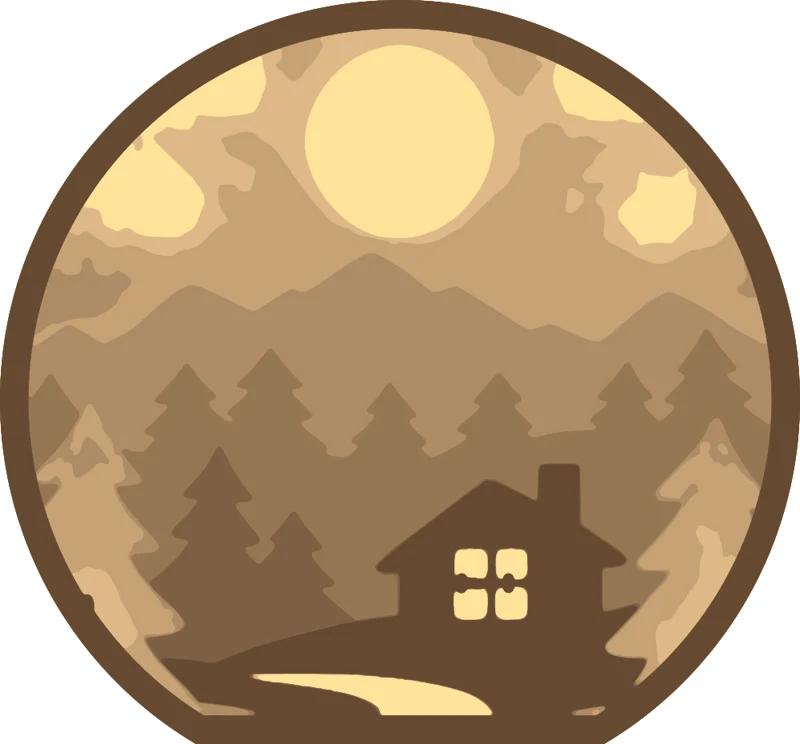
6 picture layers + back and 2 LED spacers · 200 × 186 mm · ready, with 2 notes
“a pine forest at night with a full moon”

Engrave · 107 × 107 mm · ready to cut
“a hummingbird and flowers in a round badge”

Flat cut · 300 × 302 mm · ready to cut
“a tree of life with roots inside a circle”
Type one sentence, like “a fox under a moon, 20 cm, 3 mm plywood”, or drop a picture you have the right to use. Or start from an example.
The assistant reads your sentence and fills in the kind (flat cut, engrave or night light), the size and the sheet thickness. Tap any of them to change it.
In about 30 seconds you get SVG, DXF and PDF files in millimetres with a preview, after every cut rule has been checked.
Every account gets 3 free designs a day. Need more? Buy a pack of credits; one credit is one flat or engraved design, a night light uses 2. Credits work here and from Claude or ChatGPT.
Free
$0
3 designs a day after a quick sign-up (Google or email). A night light counts as 2. No card.
Starter
$4.99
10 designs, about 50¢ each. Credits never expire.
Pro
$14.99
50 designs, about 30¢ each. Credits never expire.
Checking and fixing your own SVG files stays free in the SVG Checker & Fixer.
Start with a free designLaser Studio is also an MCP server. Add it to your AI assistant once, then ask in plain words: “make a laser-cut fox silhouette, 200 mm wide”. Designs made there show up in My designs and use the same free designs and credits.
Server URLhttps://api.moc.thejunix.com/mcp
claude mcp add --transport http moc-laser-studio https://api.moc.thejunix.com/mcpAny laser that opens SVG, DXF or PDF: Glowforge, xTool, LightBurn-driven CO2 and diode lasers and others. The SVG uses red 0.1 mm lines for cuts and black for engraving, in real millimetres.
Before you can download, the files pass rule checks on the drawing itself: every outline closed, nothing thinner than the minimum width, the piece in one connected part, no loose bits inside cut-outs, and the real size in millimetres. Thin necks are widened and loose bits bridged automatically, and the result tells you what changed.
If the files don't pass the cut rules there is nothing to download, and the free design or credits it used are given back.
You can look at the examples and try the assistant without one. Making a design needs a free account, because each one draws a new picture; with an account you get 3 free designs every day.
Designs you make from your own pictures or your own descriptions are yours to cut and sell. Don't upload or describe brands, logos or characters you don't have the rights to.
One sentence, three free designs a day.
Stuck, or a file did not cut the way you expected? Email the MocMakes team at [email protected] with the design name, and we'll look at it.