
A cutting clip from any SVG
Cuts run inside-out like a real job: inner holes first, the outline last, then the piece lifts out of the sheet.
Free tool for laser makers and file sellers
Drop in your laser cut SVG and get an animated clip of it being cut: the engraving sweep, the glowing cut line, then the finished piece lifting out. Ready for a listing, a short video or a post.
Drawn and encoded in your browser. Your file stays on your computer.
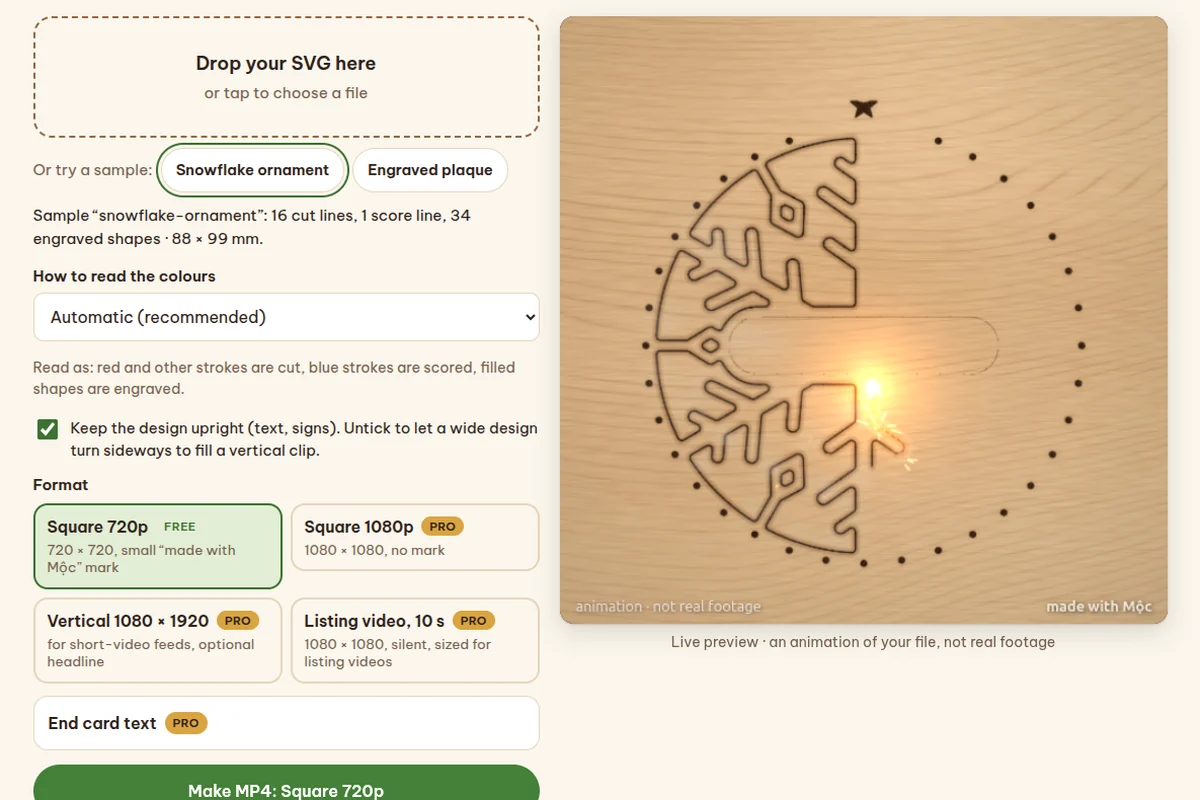
Cuts run inside-out like a real job: inner holes first, the outline last, then the piece lifts out of the sheet.
Red strokes are cuts, blue strokes are scores, filled shapes are engraved. Files with other colours or only filled shapes still work.
Square for listings and posts, vertical 1080 × 1920 for short-video feeds, and a 10-second silent cut for listing videos.
The free clip is a square 720p with a small mark. The Maker bundle opens every format here and the paid parts of the Listing Writer and Clean Packager.
Maker bundle
One key, 3 tools$7.99 once
One payment, no subscription. The key arrives in your receipt email and works in up to 3 browsers or devices. Your receipt calls it Maker Studio Pro. Not working for you? Reply to the receipt within 14 days for a refund.
Live text in an SVG is not a cut line either. Convert text to paths (outlines) in your design app, save again and drop it in.
Recent browsers make an MP4 in seconds. Older ones record a WebM in real time instead; most sites take it, but some listing pages want MP4.
No. It is an animation of your file and says so on the clip. It shows what the file makes, not how your machine will cut it.
One key, $7.99 once, for the paid parts of the Laser Clip Maker, Listing Writer and Clean Packager, plus the maker tools added later. Up to 3 browsers or devices, refund within 14 days.
Try it with the sample snowflake first, then drop in your own SVG.
The tool runs right below, in this page.
Send your SVG and Mộc renders all three versions for you (vertical and square with sound, plus a silent listing cut) within 48 hours.
Custom laser-cutting video